

 What Happens If Friends Don't Leave Your Island in Animal Crossing?
Inviting friends to your island in Animal Crossing: New Horizons lets you explore, shop, trade, gather resources, and spend time together. While visitors are on your island, however, the game remains in an active multiplayer session.
If a friend stays on your island and does not leave, your island does not become permanently locked. The main difference is that some activities that require solo play remain unavailable until the multiplayer session ends.
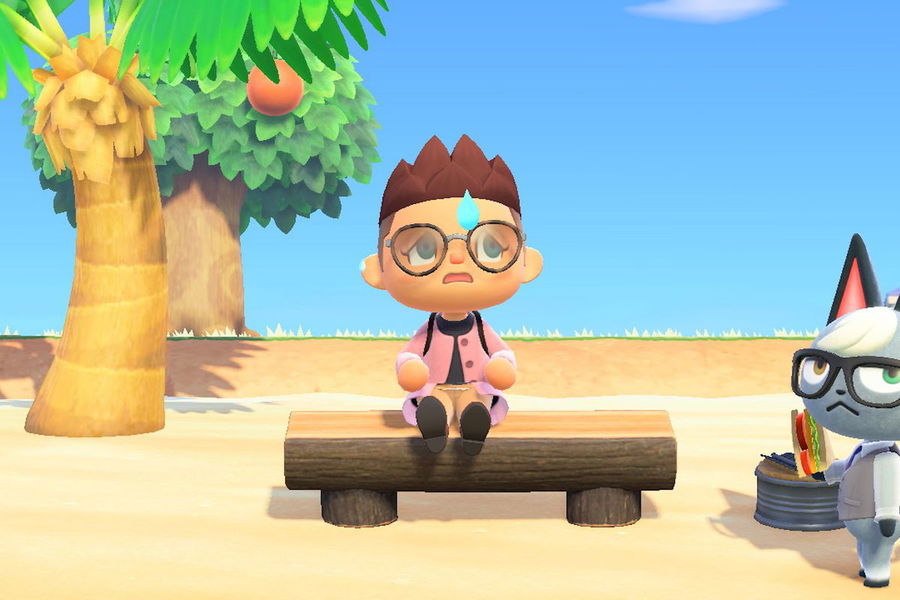
What Changes When Friends Are Visiting?
When another player is on your island through local or online multiplayer, you can continue many normal island activities together. Visitors can explore, shop, gather resources, and interact with the island while the session is active.
The main limitation is that certain features intended for solo play cannot be used normally while other players are visiting. If you need to return to a normal solo session, you must first end the multiplayer session.
Can You Still Explore the Island With Visitors?
Yes. Having friends on your island does not stop you from playing together.
You can continue exploring, visiting shops, trading items, collecting resources, and doing other activities that support multiplayer. The island simply remains in multiplayer mode until all visitors leave or the host ends the session.
So if a friend stays for a long time, the game itself does not become stuck. You are simply continuing the same multiplayer session.
What If a Friend Refuses to Leave?
You do not have to wait for the visitor to decide when the session ends.
A visitor can leave by going to the airport, speaking with Orville, and selecting I want to go home. They will then return to their own island.
If you want to stop the multiplayer session yourself, the host can end it at any time.
How to End the Multiplayer Session
Press the − Button while playing and select End session.
This ends the current multiplayer session, closes the gate, and sends the visiting players back to their own islands.
This is the easiest option if you have finished trading or playing with friends and want to return to normal solo gameplay.
Can You Prevent More Players From Joining?
Yes. If you want to stop additional visitors from arriving while keeping the current multiplayer session active, return to the airport and speak with Orville.
Select Please close the gate to prevent new players from joining.
Players who are already on your island can remain there until they leave normally or you end the multiplayer session.
How Many Players Can Join Your Island?
A standard Animal Crossing: New Horizons local wireless or online multiplayer session can have up to eight players on one island.
With Animal Crossing: New Horizons – Nintendo Switch 2 Edition, online multiplayer can support up to 12 players when the session meets the Nintendo Switch 2 Edition requirements.
The larger player limit does not change the basic rule: the island remains in an active multiplayer session until the visitors leave or the host ends it.
The Simple Answer
If a friend does not leave after you invite them to your island, your island will not become permanently stuck. The multiplayer session simply continues, and some solo-only activities remain unavailable while visitors are present.
When you are ready to play alone again, you have two options:
- Ask the visitor to go to the airport and select I want to go home.
- Press the − Button and select End session to send all visitors home immediately.
For most situations, End session is the quickest way to return your island to normal solo gameplay.

