

 Play Animal Crossing on PC? 2026 Guide & Working Alternatives
With the right steps, players can still experience Animal Crossing: New Horizons on PC and interact with other players.
Animal Crossing: New Horizons (ACNH) is officially exclusive to Nintendo Switch. For players who do not own a Switch, how to experience island life or socialize with friends on PC has always been a common question. Whether ACNH supports PC play has long been a hot topic within the community.
Strictly speaking, Nintendo does not provide an official PC version. Playing ACNH on PC relies on third-party solutions, which come with technical limitations and legal uncertainty. Players should fully understand these risks before proceeding.
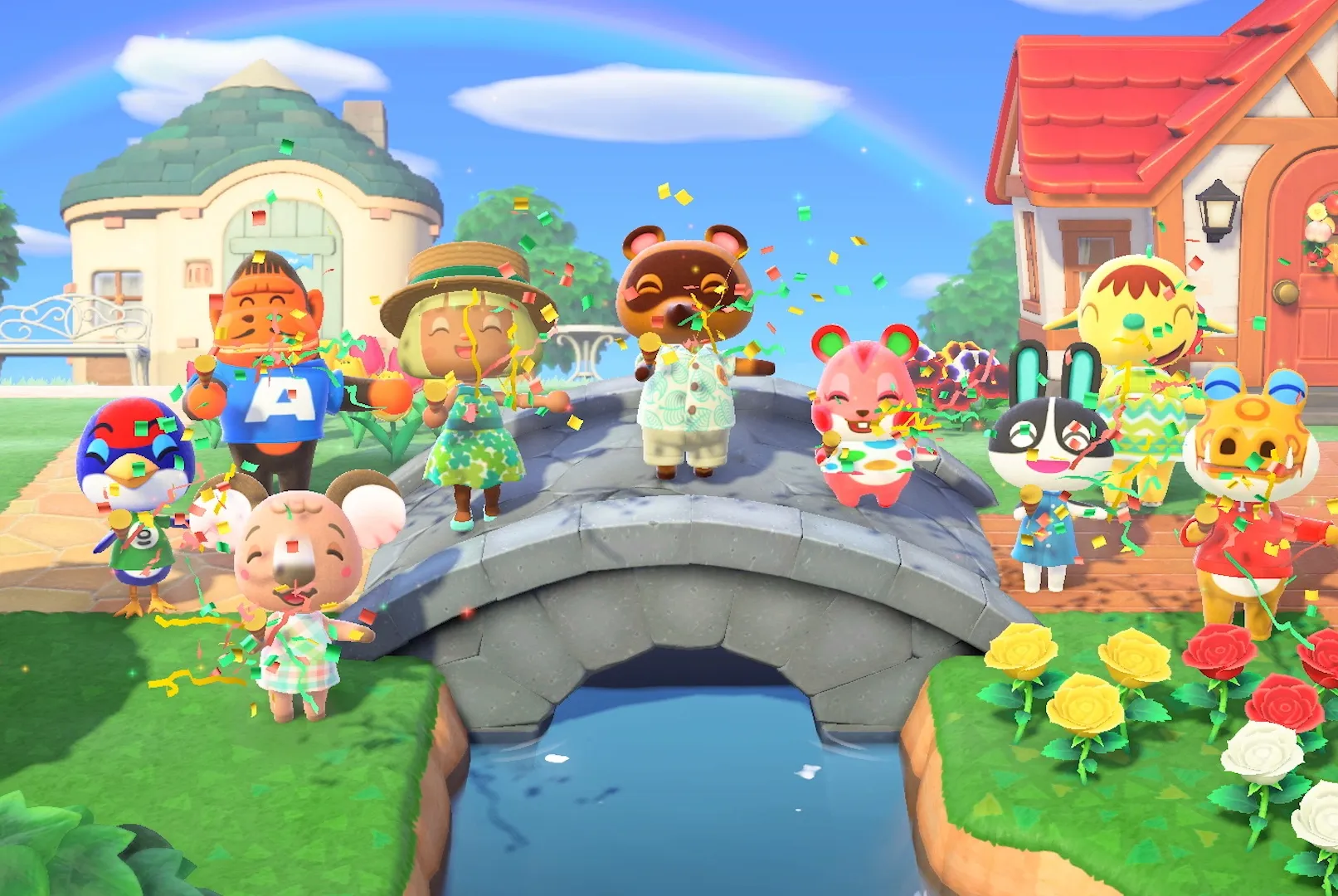
Animal Crossing: New Horizons on PC
On PC, some users previously relied on Nintendo Switch emulators to run ACNH.
However, as of 2024–2025, the emulator ecosystem has changed significantly:
-
Yuzu has officially shut down
-
Ryujinx has ceased public development
-
Emulator compatibility, stability, and updates are no longer guaranteed
Although some archived emulator builds may still run ACNH, performance varies greatly by system, and many users experience crashes, visual bugs, or save issues.
As a result, by 2026, achieving a playable experience on PCs through emulators has become extremely challenging and unreliable, and we strongly advise most players against attempting it.
Known Issues When Playing via Emulator
Even if the game launches successfully, common problems include:
-
Missing or incorrect lighting effects
-
Color inaccuracies (grass and sky colors may appear off)
-
Reduced stability during updates or online interactions
These issues are typical for emulated environments and may impact long-term gameplay.
Faster Island Progress on PC
Visual or performance issues may slow down progress, especially for players focusing on island upgrades.
Players who have played on Switch can build their islands faster by sourcing resources from trusted platforms like ACItemsBuy, which provides secure transactions. By obtaining essential resources such as NMT or Bells, can allow you to:
-
Invite villagers more efficiently
-
Gather rare materials faster
-
Upgrade the island rating more smoothly
How to Install a Save File (Emulator Users)
⚠️ Note: Save file compatibility is not guaranteed and depends on emulator versions and system configuration.
General steps used by some players:
-
Prepare a compatible ACNH save file
-
Open the emulator and locate the game directory
-
Place the save file into the correct save folder
-
Overwrite existing files if prompted
-
Restart the emulator and launch the game
Even when following these steps, success rates vary. Save corruption or failure to load may occur.
Important Clarification
❌ Animal Crossing: New Horizons is NOT supported on Steam
❌ Nintendo eShop download codes cannot be redeemed on PC
ACNH can only be purchased and downloaded officially on Nintendo Switch via the Nintendo eShop.
Any claim that ACNH runs natively on Steam is incorrect.
Online Visits & Island Development
If online features are available, visiting other islands follows the standard in-game process:
-
Connect to the internet
-
Visit Dodo Airlines
-
Select "I want visitors" or "I want to fly"
-
Open the island and accept visitors
Island upgrades still require steady progression:
-
Plant flowers and trees
-
Invite villagers
-
Build the museum, waterfalls, Nook's Cranny, and Able Sisters shop
Optimizing island development takes time, especially in non-official environments.
Speed Up Your Island Growth
To make island building easier, players can obtain:
These resources help speed up construction and decoration, allowing your island to reach 5-star rating more efficiently.
Final Note
Playing ACNH on PC is unofficial and comes with risks. For the best and most stable experience, Nintendo Switch remains the recommended platform. However, for players exploring alternative methods, understanding current limitations is essential.
Last updated: 2026.2.5

