

 ACNH Eyebrow Codes 2026: How to Create Custom Face Paint
Every default Animal Crossing: New Horizons character has one obvious visual flaw: no natural eyebrows. When players remove hats or head accessories, the blank space above the eyes looks unnatural and awkward. This small detail ruins avatar aesthetics and daily island photography.
Fortunately, ACNH custom design tools allow players to create pixel eyebrow face paint. Gamers can either draw unique styles manually or use ready-made community design codes. This guide shares 2026 trending ACNH eyebrow ideas and a full beginner creation tutorial to upgrade your villager's look instantly.
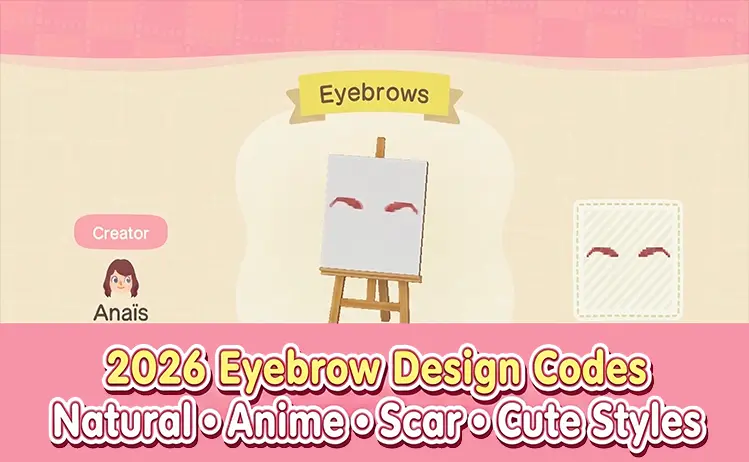
Core Advantages of ACNH Custom Eyebrow Face Paint
ACNH offers very limited built-in facial features, with no official eyebrow options for different hair colors and styles. Custom face paint designs perfectly fix this problem.
The biggest benefit is high flexibility. One single design slot can combine multiple cosmetic elements, including eyebrows, blush, freckles, scars, and decorative patterns. Players can match different island themes without wasting extra design spaces.
Step-by-Step Tutorial to Make Custom ACNH Eyebrows
No professional drawing skills are required. Follow these simple steps to create clean, symmetrical eyebrows for your ACNH villager.
1. Unlock Pro Custom Design Editor
Before creating face paint, players need to upgrade the official design tool. After Resident Services is fully built (around day 10 on the island), visit the Nook Stop terminal.
Spend 800 Nook Miles to unlock the Custom Designs Pro Editor. This tool supports transparent backgrounds and face preview mode, which are essential for making natural eyebrow face paint.
If you're stuck grinding repetitive island tasks to earn enough Nook Miles for the Pro Custom Designs Editor, browse our stock of cheap ACNH Nook Miles Tickets to unlock all advanced design tools in minutes.
2. Create a Clean Transparent Canvas
Open an empty custom design slot and enter the editing page. Remove the default white background to avoid awkward square overlays on the face.
- Press X and select Fill All, then press Y
- Choose the fully transparent color on the far right palette
- Press A to clear the entire canvas
3. Turn on Face Preview and Mirror Mode
Switch the preview window to character face mode with the right joystick. This allows real-time observation of eyebrow positions against the eyes.
Enable Mirror Mode to automatically copy all pixel drawings to both sides. This function ensures symmetrical eyebrows and saves half the drawing time.
4. Adjust Eyebrow Height for Different Expressions
The canvas middle horizontal line aligns exactly with the villager's eye line. All eyebrows must be placed slightly above this line. Different heights create totally different facial vibes:
- High position: Creates cute, surprised, anime-style expressions
- Middle position: Makes natural, daily, gentle looks
- Low position: Shows serious, calm, determined temperaments
Even one pixel of adjustment can change the entire avatar style.
5. Match Colors With Villager Hair
Open the palette menu and select suitable tones, including warm brown, pure black, and auburn. Fine-tune brightness and saturation to fit different hair colors.
For realistic effects, use three color layers:
- Dark base color for the main eyebrow outline
- Medium tone for transitional filling
- Light color for soft edge feathering
6. Draw Basic Eyebrow Shapes
Draw simple outlines on one side only. Mirror Mode will sync all details automatically. Soften hard edges with light pixel dots to avoid rigid blocky shapes. The ACNH pixel tool supports smooth curves for natural-looking arches.
7. Add Optional Scar Details
For adventure or pirate-style avatars, turn off Mirror Mode temporarily. Use the transparent eraser to draw a thin diagonal line on one eyebrow. Two simple transparent pixels can form a clean and cool scar effect.
8. Save and Wear as Face Paint
Name your finished design and save it. Select the Wear option and choose Face Paint mode.
Do not select the clothing option, or the pattern will appear as a strange top instead of facial makeup. After successful application, your villager will display brand-new custom eyebrows.
Best 2026 ACNH Eyebrow Design Codes (All Styles)
Below are the most popular ACNH eyebrow design codes updated in 2026. All styles are community-tested and suitable for different island aesthetics.
Natural Soft Eyebrow Codes
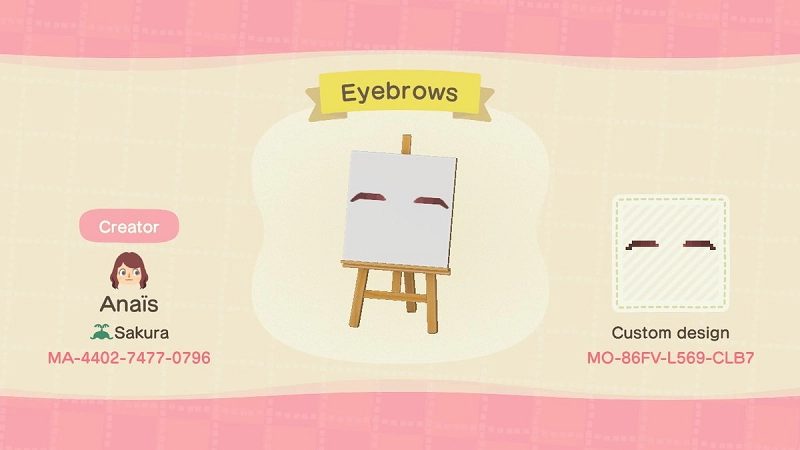
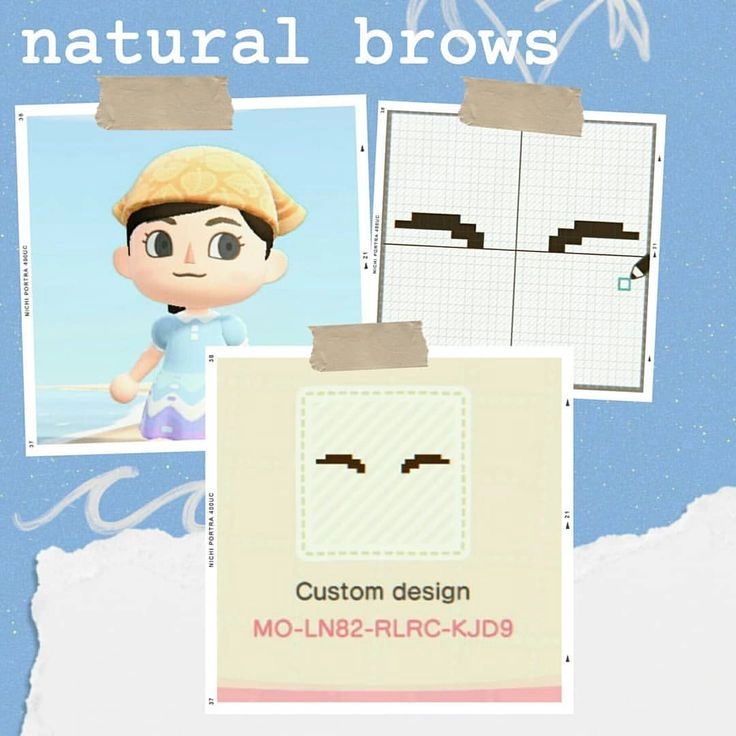
These gradient brows simulate real human eyebrow textures with soft edges, perfect for daily and realistic island styles.
MO-LN82-RLRC-KJD9
MO-TXR6-JQPQ-HR7S
MO-86FV-L569-CLB7
MO-JPRC-Y6SG-FFNY
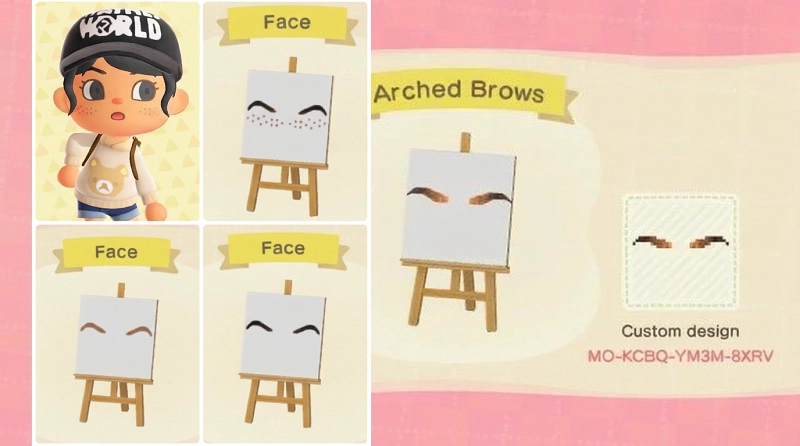
High Arched Surprised Eyebrow Codes
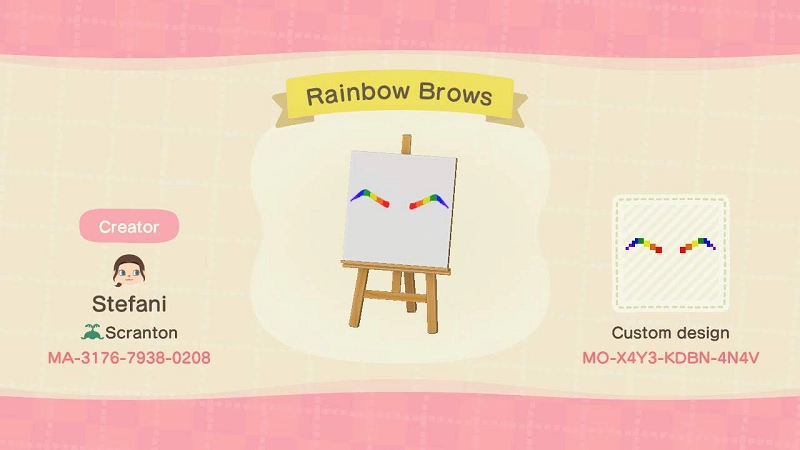
Higher curved shapes create a curious and lively look, ideal for pastel islands, fairycore themes, and cute avatars.
MO-KCBQ-YM3M-8XRV
MO-X4Y3-KDBN-4N4V
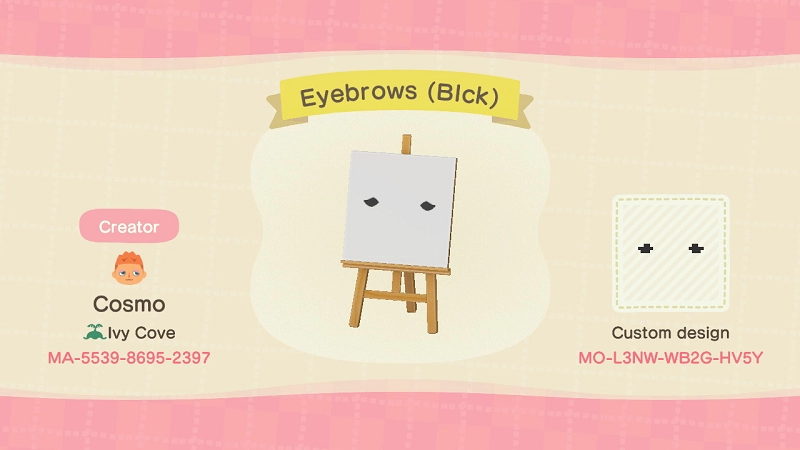
Thick Anime Eyebrow Codes
Bold and solid blocky brows match all anime cosplay styles. No gradient blending, designed for sharp and cartoonish visuals.
MO-L3NW-WB2G-HV5Y
MO-DWY7-8YYN-0WDK
MO-4DDH-GC5B-L5Q2
MO-WB5V-KJ56-F6J5
MO-546J-C8-G2-NHKD
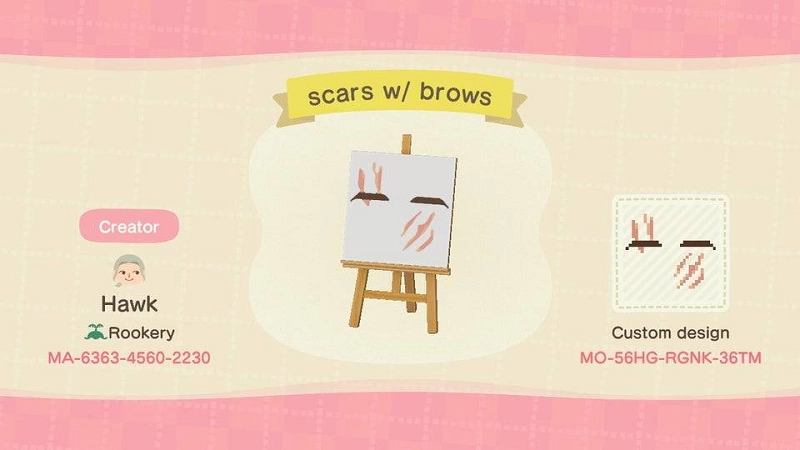
Serious Furrowed Eyebrow Codes
Slightly drooping eyebrow shapes deliver a stern and steady temperament, suitable for dark, edgy, and minimalist island designs.
MO-56HG-RGNK-36TM
MO-N4PP-JXRR-FWXW
Eyebrow and Strawberry Blush Combo Codes
This trending kawaii design combines natural thin brows and cute strawberry cheek blush. It works best for fruit-themed and sweet-style islands.
MO-99KT-L1XB-71MB
MO-N4PP-JXRR-FWXW
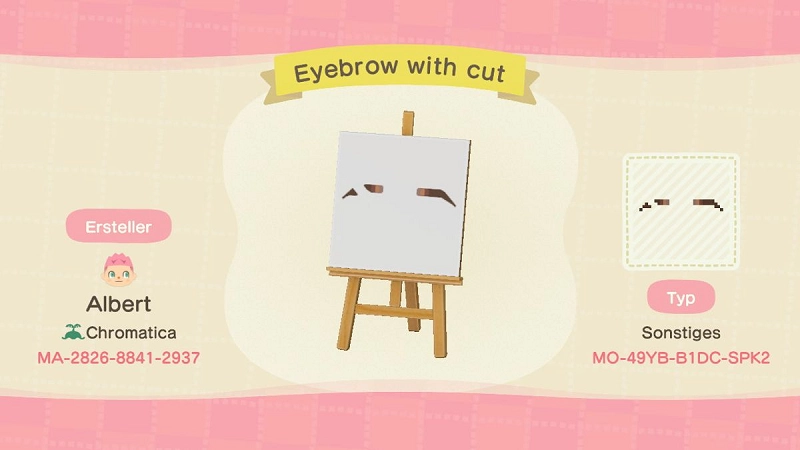
Scarred Eyebrow Codes
Scar-accented brows create a tough, adventurous vibe for warrior, pirate, and fantasy character designs.
MO-D96W-W29W-TGLX
MO-N4PP-JXRR-FWXW
MO-49YB-B1DC-SPK2
MO-3X6X-F45X-M95C
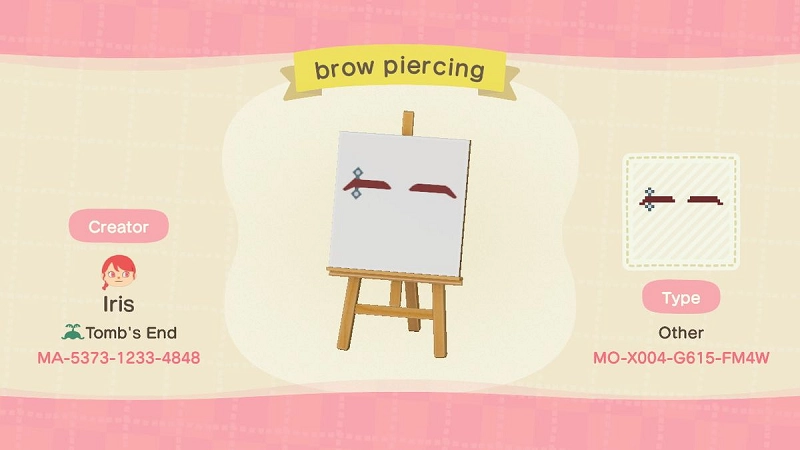
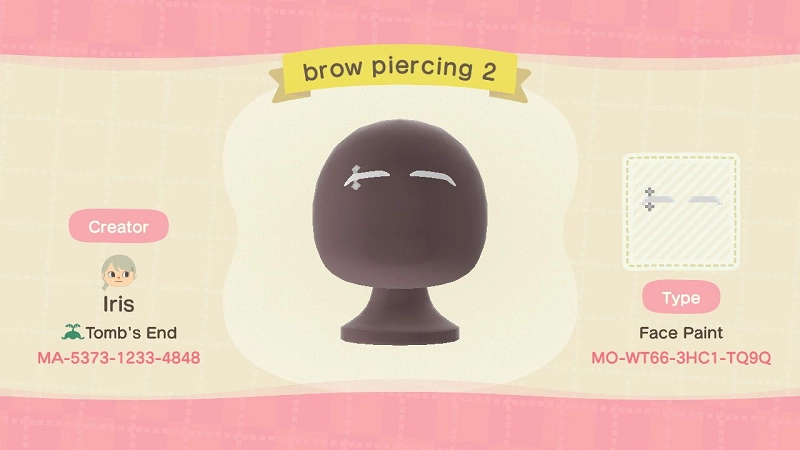
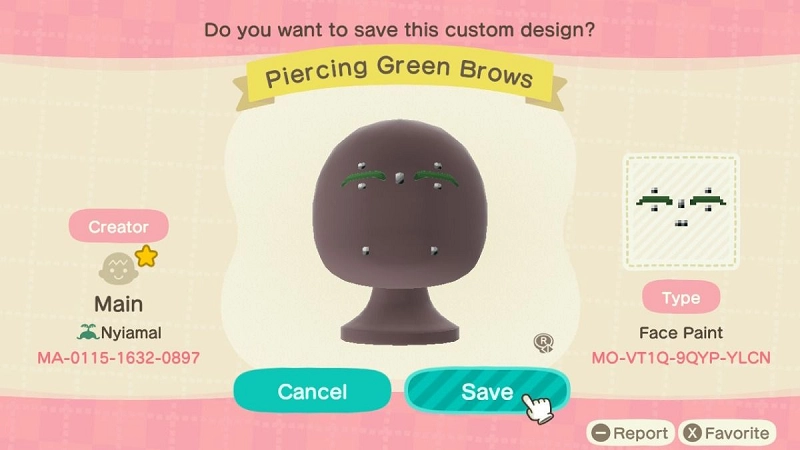
Punk Eyebrow Piercing Codes
Silver pixel piercings with 3D shadow effects fit e-girl, e-boy, grunge, and alternative island aesthetics.
MO-99KT-L1XB-71MB
MO-N4PP-JXRR-FWXW
MO-X004-G615-FM4W
MO-WT66-3HC1-TQ9Q
MO-VT1Q-9QYP-YLCN
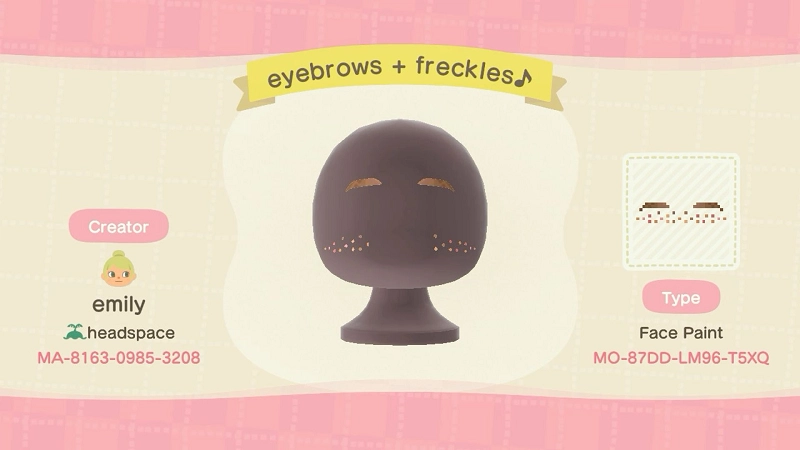
Freckle and Eyebrow Matching Codes
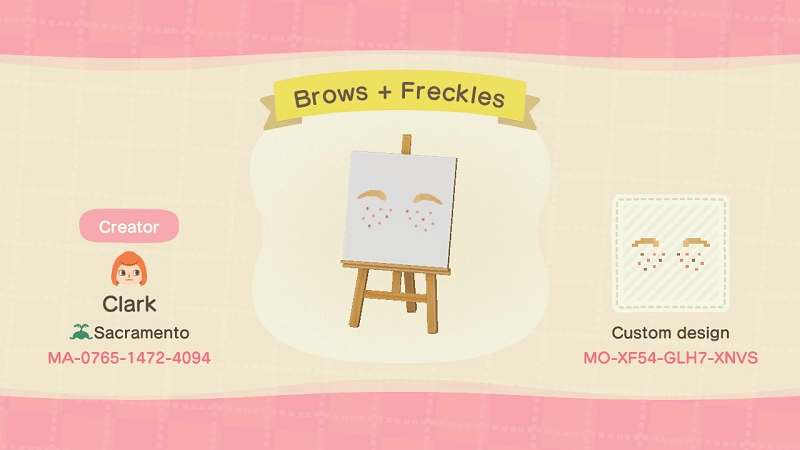
Light reddish brows with delicate nose freckles create youthful, innocent, and fresh-looking avatars.
MO-XF54-GLH7-XNVS
MO-87DD-LM96-T5XQ
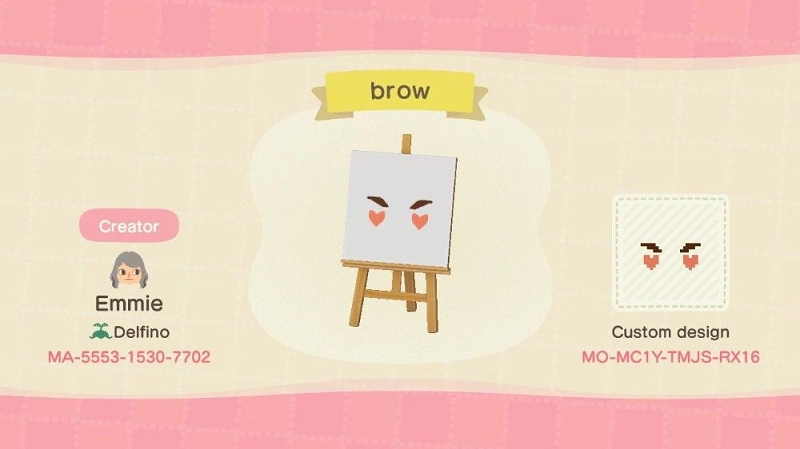
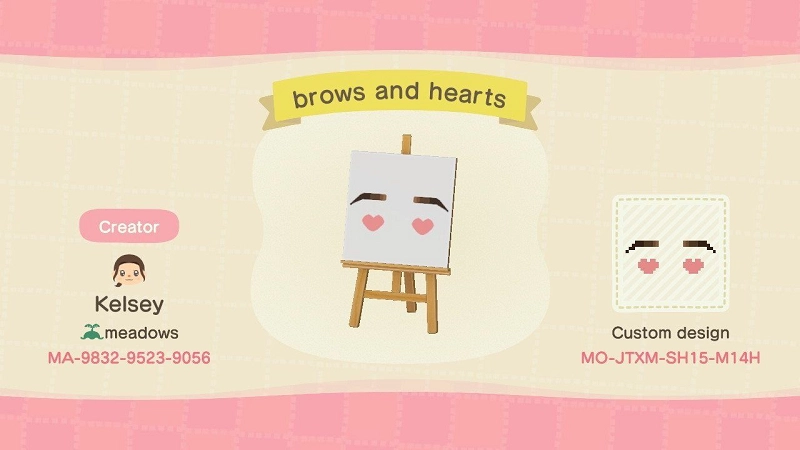
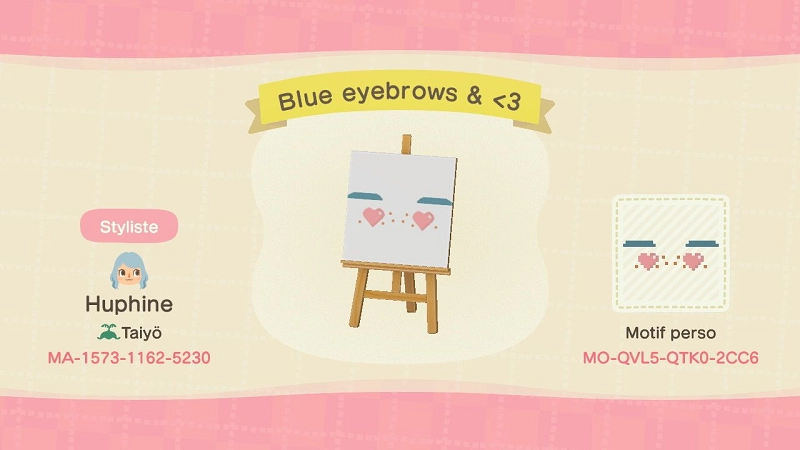
Cute Heart Accent Eyebrow Codes
Arched brows with tiny pink heart decorations are perfect for Valentine themes, dreamy fairycore, and romantic pastel islands.
MO-MC1Y-TMJS-RX16
MO-JTXM-SH15-M14H
MO-QVL5-QTK0-2CC6
Reliable Places to Find New 2026 ACNH Design Codes
Custom ACNH designs update frequently throughout the year. Players can find fresh eyebrow and face paint resources from these official and community platforms:
- Nintendo Switch Online App: Search updated face paint designs in the custom design section
- ACNH Discord Communities: Real-time sharing of new creator codes and makeup templates
- Pinterest and X (Twitter): Browse posts tagged #ACNHDesigns and #ACNHFacePaint
- Able Sisters Kiosk: Import MA creator IDs to access full original design collections
Final Tips for ACNH Custom Eyebrow Design
Custom eyebrows are a tiny but transformative detail for ACNH avatars. They completely fix the default blank-face problem and match all island styles and outfits.
Players can save multiple favorite templates and switch styles according to new outfits, hair colors, or island theme updates. With simple custom design tools, every villager can achieve a unique, polished, and professional look in 2026.

